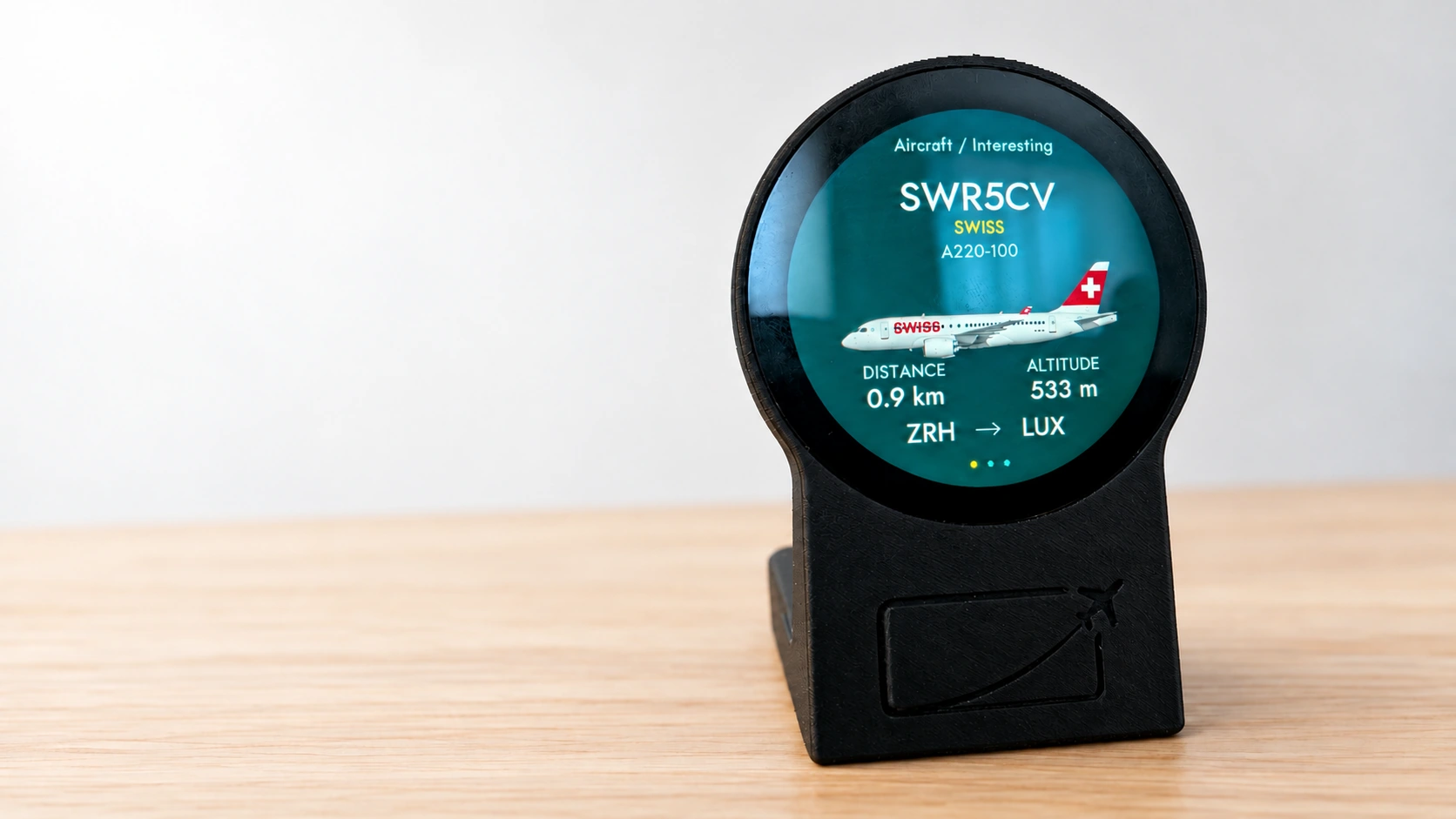
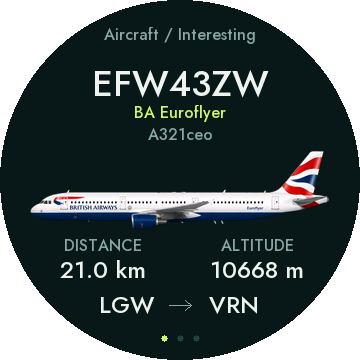
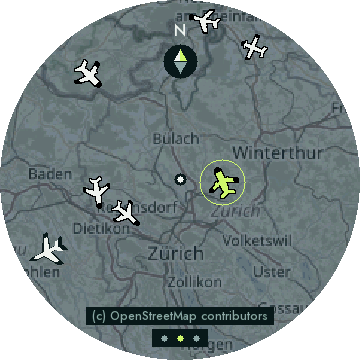
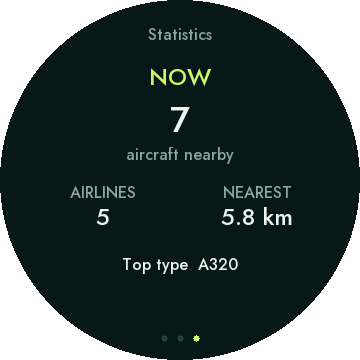
Aircraft details, the surrounding traffic and a nearby-aircraft summary. Swipe between screens, or tap an aircraft on the radar to open its details.
Aircraft details
Airline, aircraft type, altitude and route, when available.
Local radar
Aircraft around your chosen location, with touch selection.
Nearby statistics
A quick view of traffic, airlines and your nearest aircraft.
Example screens. Aircraft, routes, labels and available information vary with the data and firmware version.
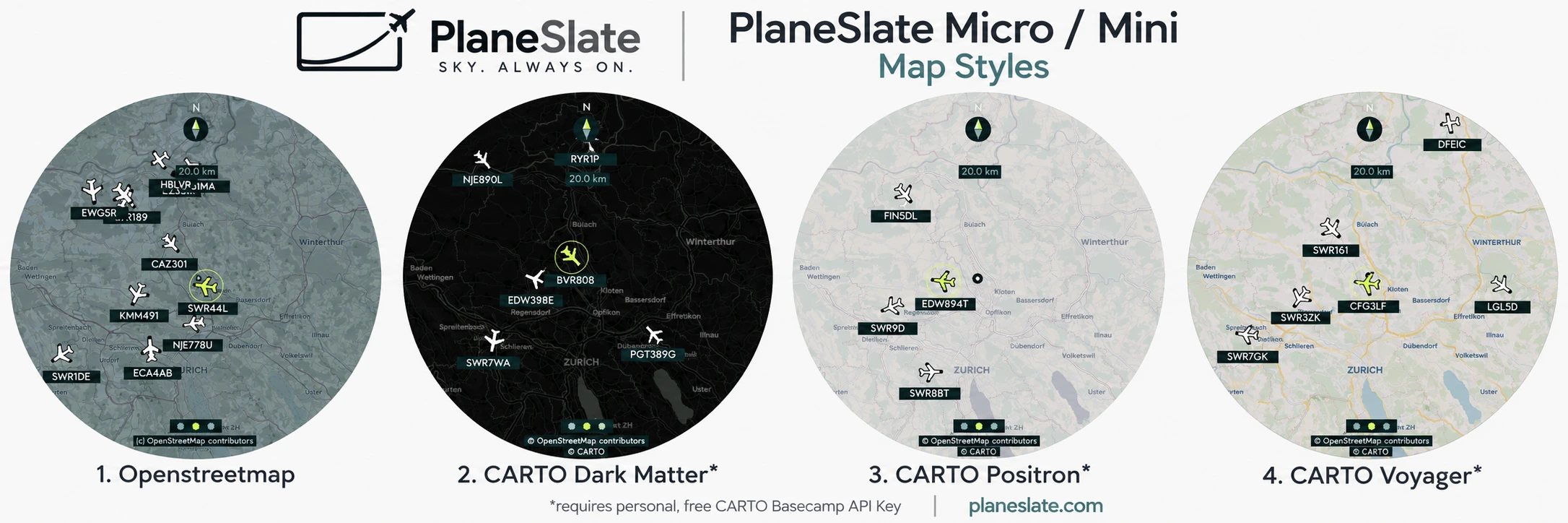
FOUR MAP STYLES
The same sky. Your favourite view.
Use OpenStreetMap, or choose CARTO Dark Matter, Positron or Voyager. The optional CARTO styles require your own API key and are subject to CARTO’s terms and account limits.
Map-style examples for Micro and Mini. Open the image to see the details. Map credits remain visible in each example.
Touch changes aircraft selection and screens; pinch-to-zoom and map dragging are disabled on both devices.
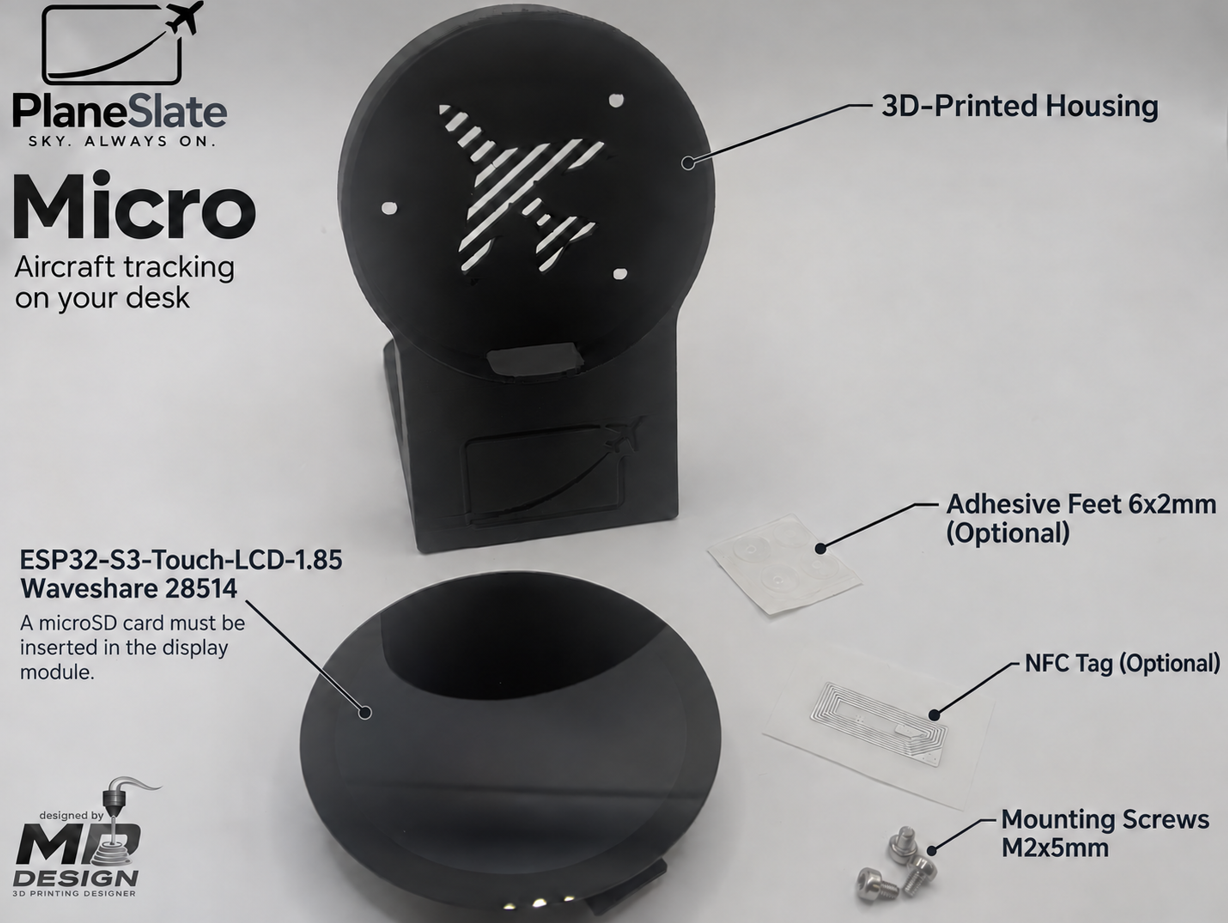
Choose from two 3D-printed housing options for a finished desktop display.
3D-printed housing MakerWorld link coming soon.
3 × M2x5mm screws to secure the display in the housing
NFC tag (optional)
4 × adhesive feet, 6x2mm (optional)
USB connector compatibility depends on the housing. Only one of the two housing options requires a right-angle USB-C connector. Check the requirements of your chosen housing and the plug dimensions before buying.
One of the two housing options, shown with its components. Open the image for a closer look.About the purchase links
Regional accessory product pages were reviewed on 18 October 2026. The AliExpress display and microSD card links open specific listings supplied by the project owner; the USB cable link opens a targeted product search. Check the exact board version, card capacity, data support, mains plug, availability, shipping and import costs before ordering. All links are non-affiliate; PlaneSlate earns no commission.
BUILD IT YOURSELF
A small build. A place on your desk.
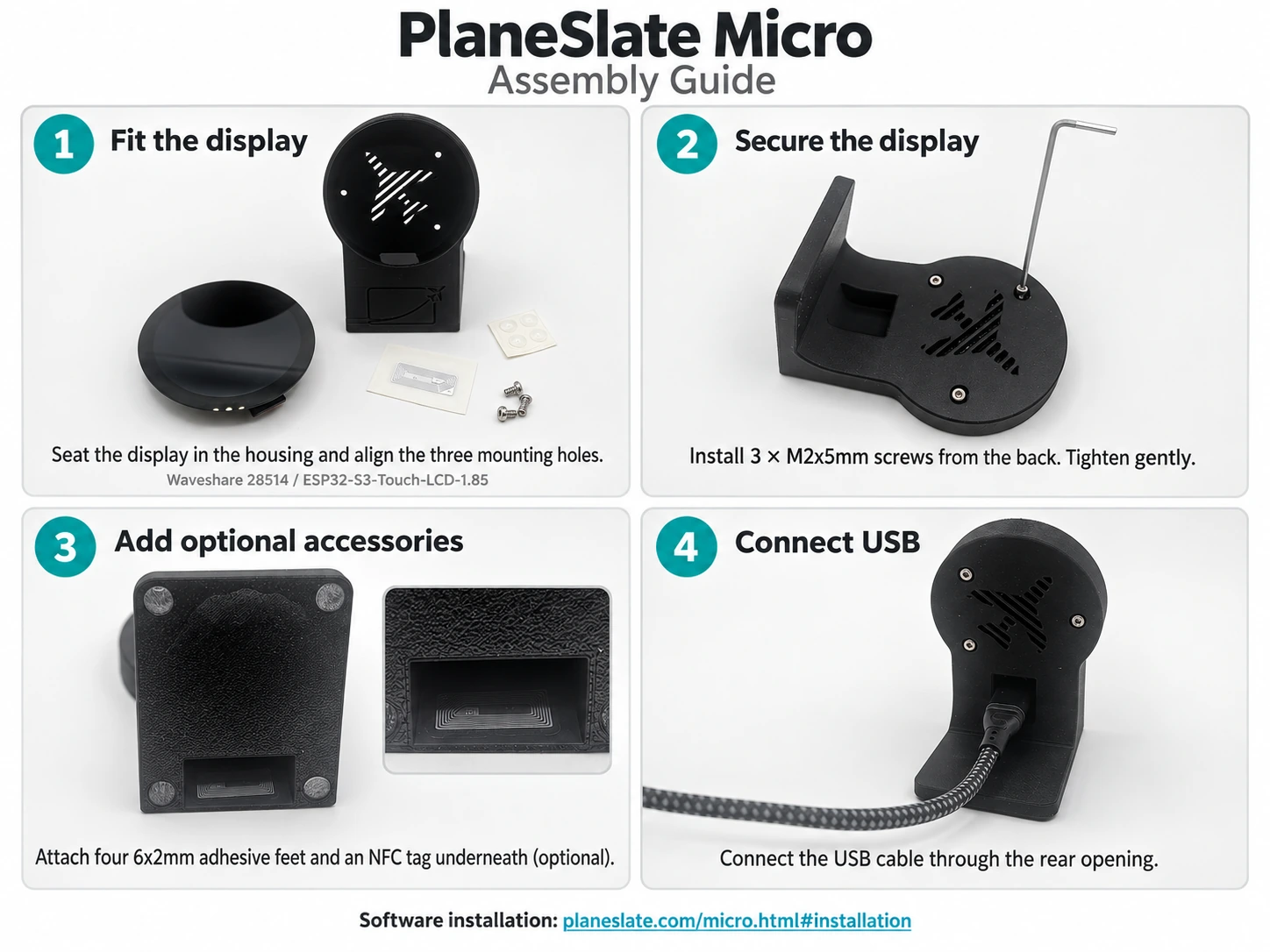
The display, touch input and controller come on one board. The pictured printed housing uses three M2 × 5 mm screws; adhesive feet and an NFC tag are optional.
Open the assembly guide at full size. Housing print files have not been published yet; the software can be installed without this housing.
INSTALLATION
From your desk. To your local sky.
CONNECT INSTALL PERSONALIZE
1
Connect your hardware
Use Waveshare 28514 / ESP32-S3-Touch-LCD-1.85. Insert a FAT32-formatted microSD card and connect the board to your computer with a USB data cable. Keep USB accessible until setup is complete.
2
Install the firmware
Open the Web Installer, choose PlaneSlate Micro, then select Connect & install firmware. Keep USB connected through verification and restart. The first start can take a little time.
3
Bring your sky to life
Continue with step 3 in the installer. Images, aircraft, airlines and registration mappings are installed together. Wait for file verification and the completion message before disconnecting.
4
Make it yours
In step 4, select Wi-Fi and your radar location. Customize the display if you like, then save. Later, use the device’s local WebUI for settings and display previews.